
Creating Metrics
Agent Metrics
Metrics measure how well your AI voice agent performs during conversations. Evalion analyzes call transcripts and scores your agent based on specific criteria you define, such as task completion, politeness, or accuracy.
Create Custom Metrics
-
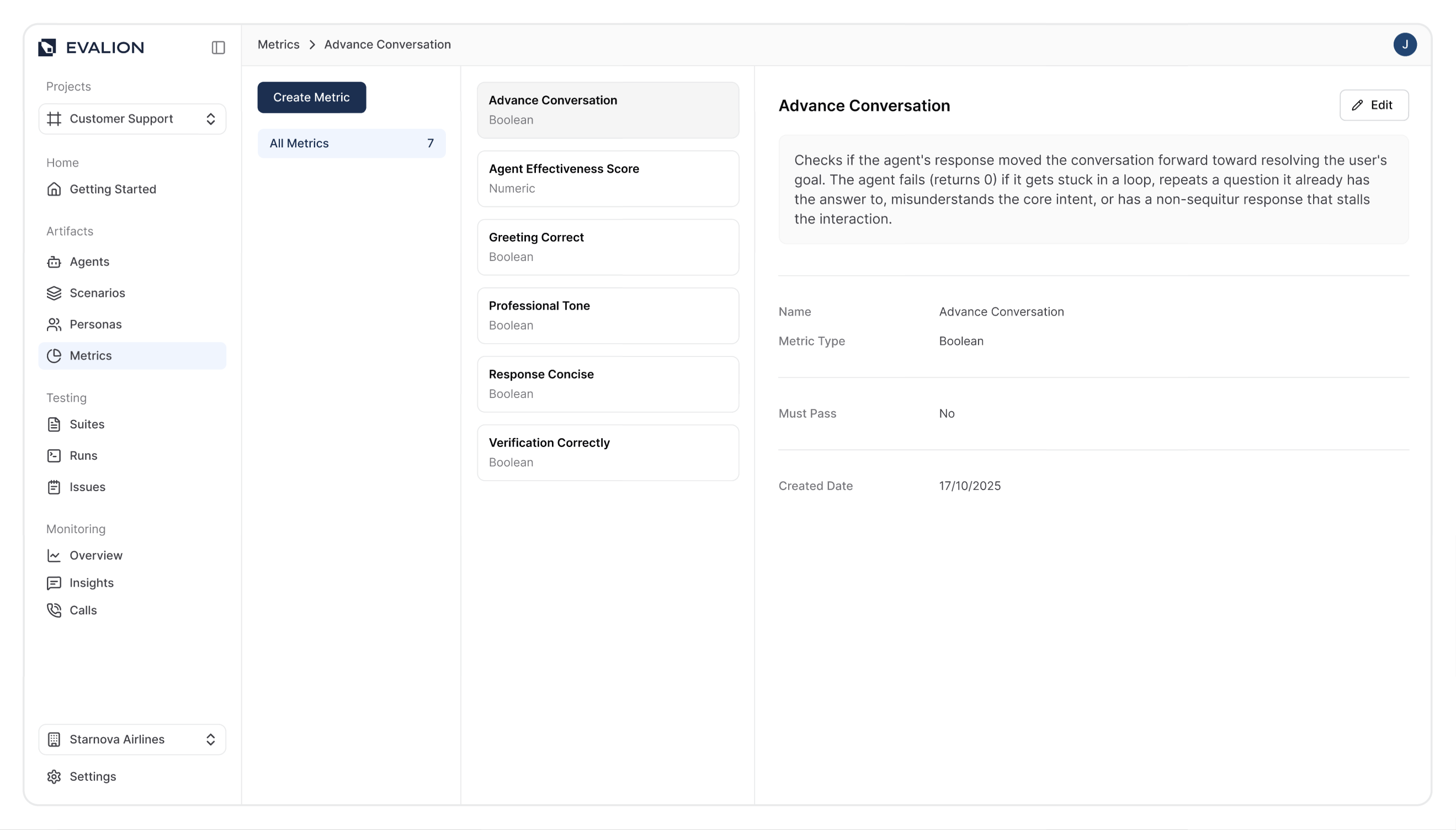
In the Evalion dashboard, go to Metrics in the sidebar.
-
Click Create Metric:
-
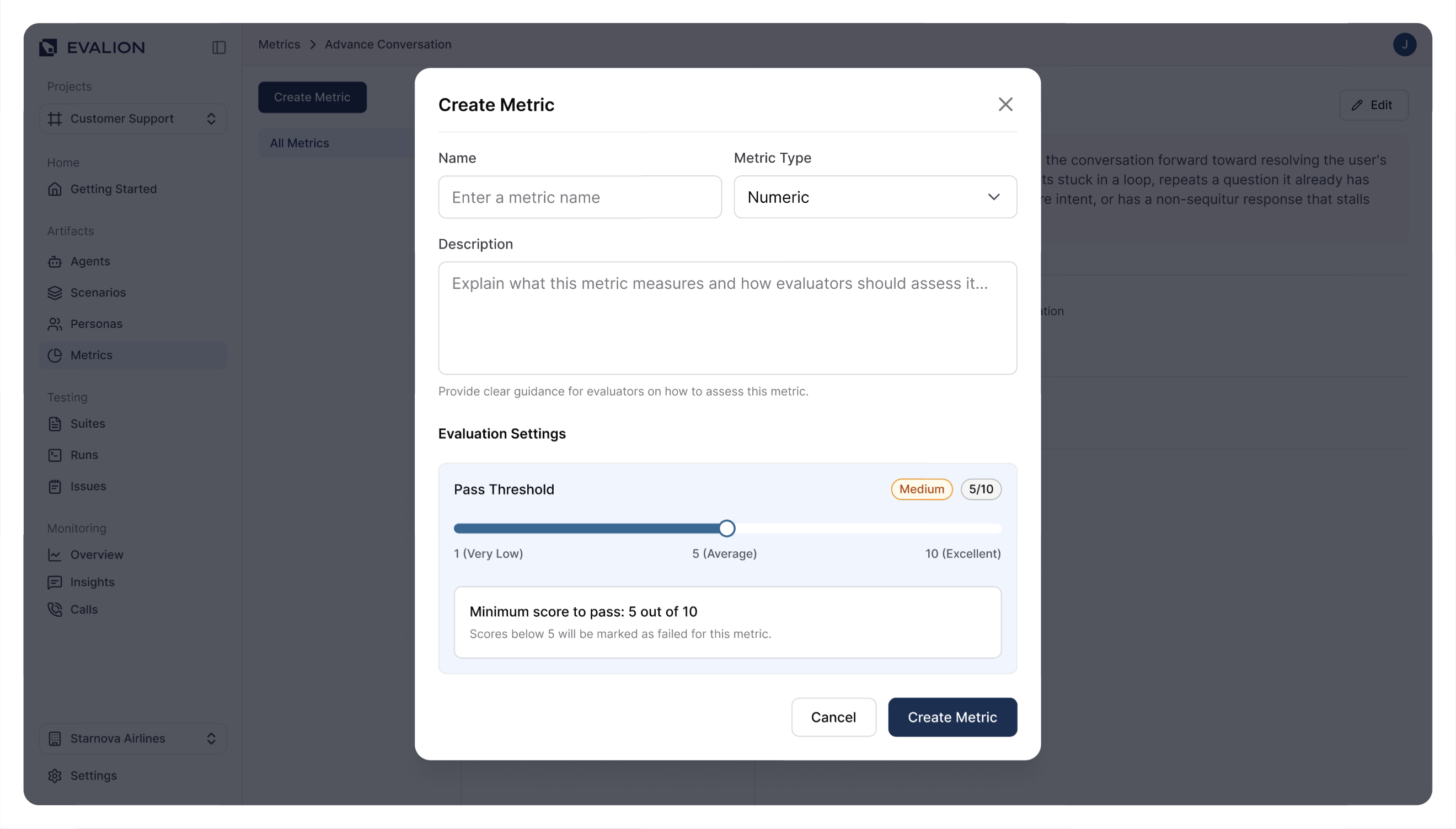
In the metric form, enter the following fields:
- Name: Enter a descriptive name.
- Description: Explain what this metric measures.
- Metric type: Choose one of the following:
- Numeric: Uses a scale from
Very LowtoExcellentwith customizable pass thresholds. - Boolean: Simple pass/fail evaluation.
- Numeric: Uses a scale from
-
If you selected the Numeric type, set your Pass Threshold (the minimum score required for success).
-
Click Create Metric to create your custom metric:
Updated about 2 months ago