
Setting up a Project
Setting up a Project
Building a project on Evalion follows a simple three-step workflow that takes you from connecting your voice agent to getting actionable insights:
-
Connect Your Agent: First, connect your voice agent to Evalion by linking your agent phone or endpoint, verifying the connection works, and testing basic functionality.
-
Configure Your Test Suite: Next, define success by creating realistic test scenarios (e.g., “Fitness Center Booking”), selecting diverse user personas with different communication styles, and choosing the key metrics that matter to your business (such as task completion, response accuracy, and conversation flow).
-
Launch and Analyze: Finally, run your test suite. Evalion's AI simulates realistic conversations across your scenarios and personas. Within minutes, you'll receive a comprehensive report showing what worked and what failed, including:
- Specific failure reasons
- Conversation logs
- Performance metrics
- Actionable improvement recommendations
Create Your Project
-
Visit the Evalion website to create an account.
-
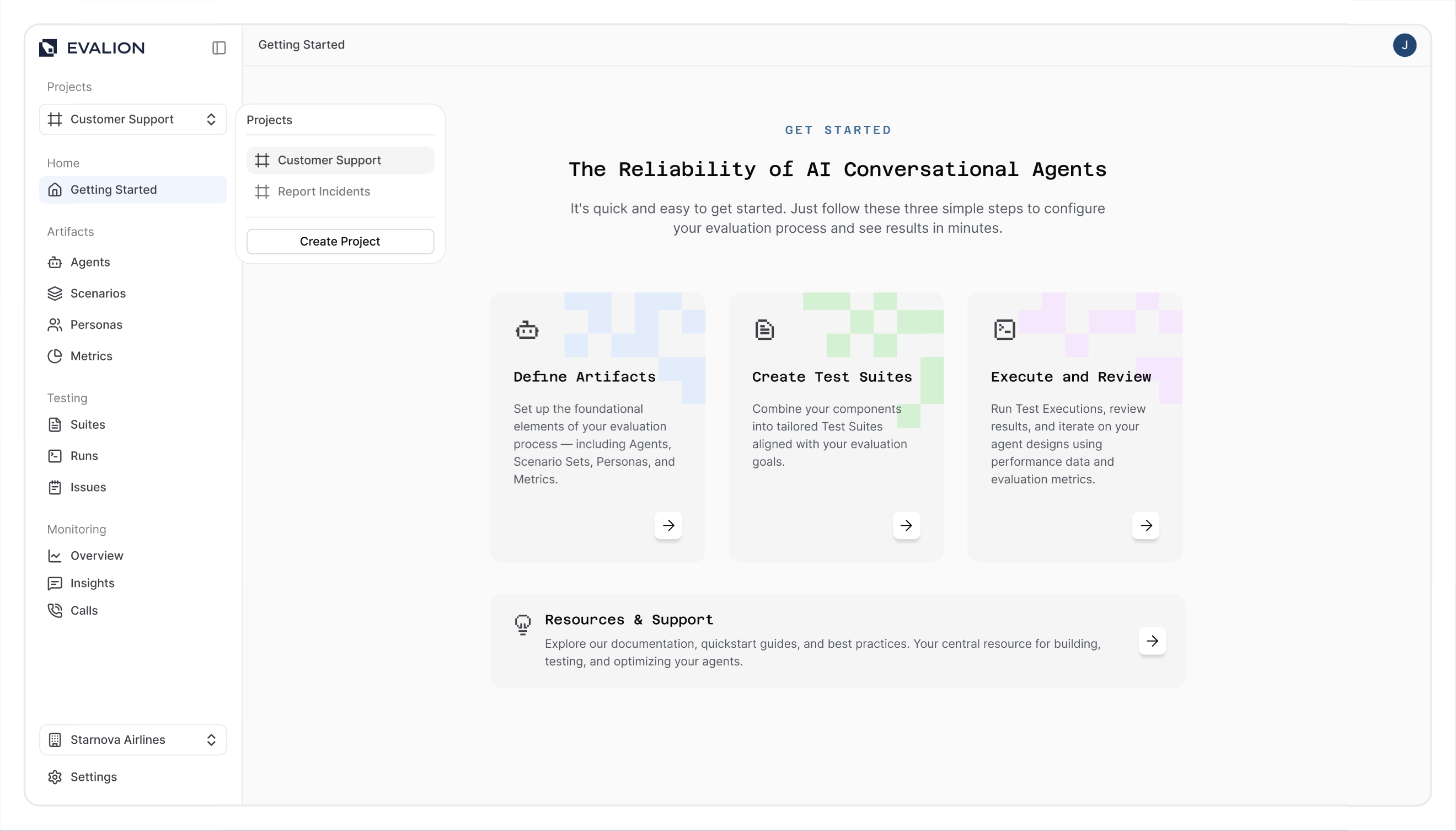
Select the Projects dropdown from the left sidebar in your Evalion dashboard:
-
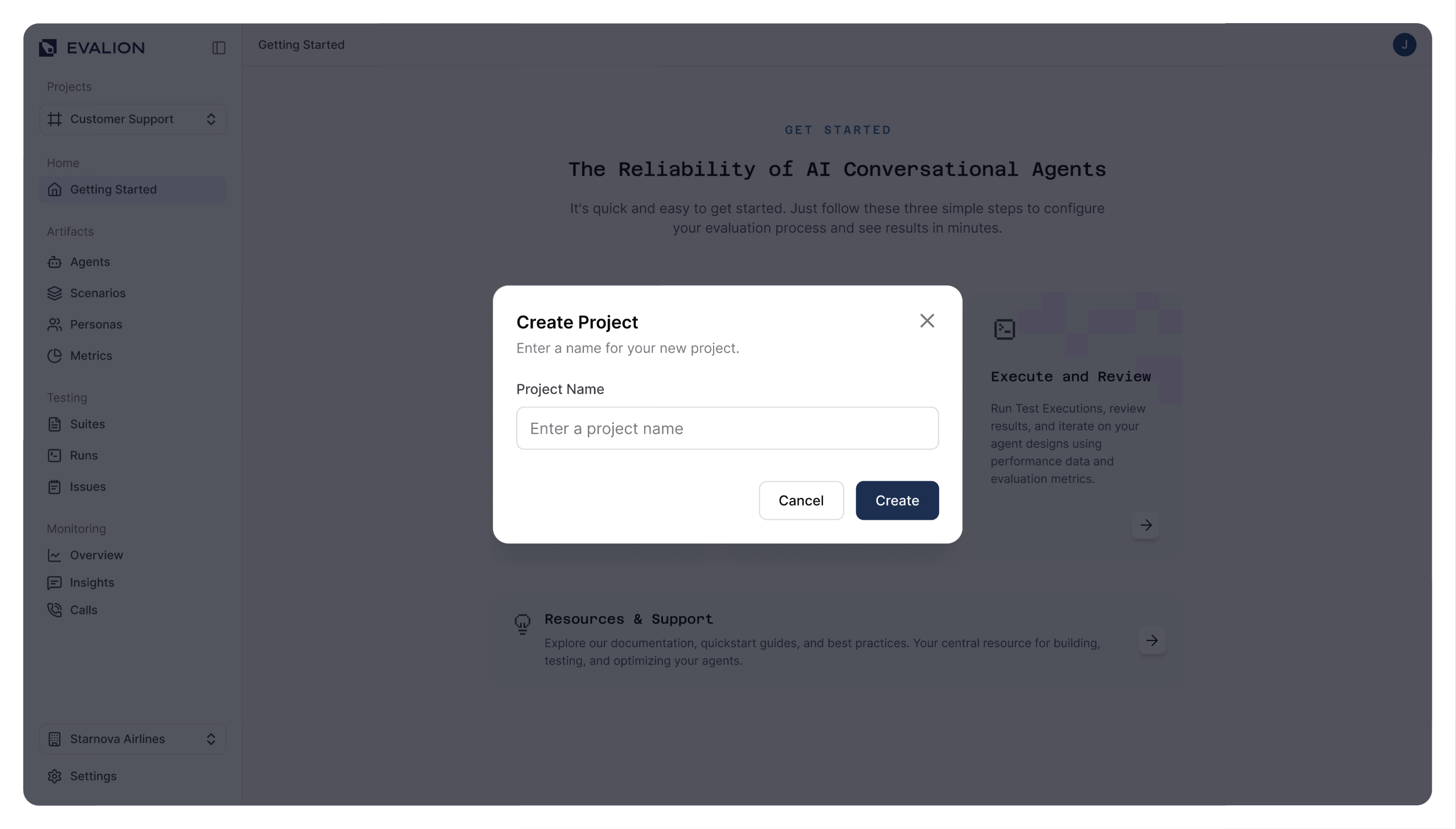
Click the Create Project button and enter your project name:
-
Finally, select your new project to begin configuration.
Updated about 2 months ago